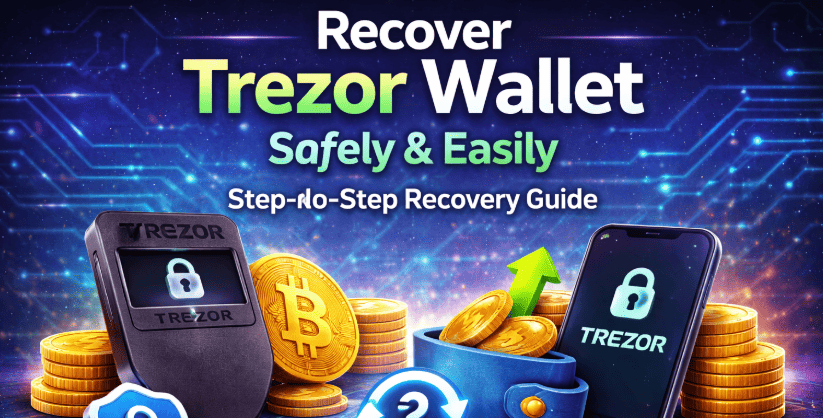
Can’t access your Trezor wallet even though you have your recovery words?
Losing access to your crypto wallet can feel overwhelming — especially when your recovery seed doesn’t seem to work. Whether your seed phrase is lost, incomplete, misspelled, or entered in the wrong order, there are still possible ways to restore your wallet.
If you are trying to recover funds from your Trezor device, this guide explains common problems and what you can do next.
Why is my Trezor Recovery Seed not Working:
When attempting recovery, you might see messages such as:-
- Seed phrase not recognized
- Entered phrase does not correspond to this device
- Seed does not match the device
These errors usually happen due to issues with the recovery phrase itself — not necessarily because your crypto is gone.
Let’s go through the most common reasons.
Seed Phrase Lost:-
If your full 12-word backup phrase is lost, restoration becomes nearly impossible.
This can happen if:-
- The written copy was destroyed
- A storage device stopped working
Without the seed phrase, access cannot be recreated. Crypto wallets are designed so that no one — including support teams can regenerate your private key.
Some Words are Missing:-
Sometimes users intentionally remove one or two words from their written backup for added protection. While this improves security against theft, it increases the chance of forgetting key words later.
If you still remember most of the phrase, recovery may still be achievable. The more accurate words you have, the better the probability of restoring access.
Incorrectly Written or Damaged Words:-
Even a tiny writing error can block wallet restoration.
Examples include:-
- Writing angle instead of angel
- Confusing similar-looking letters
- Ink fading or smearing
- Water or heat damage
Recovery phrases follow a fixed dictionary of approved words. If even one word falls outside that list, the wallet will reject it.
Carefully compare each word with the official standardized word list to confirm accuracy.
How do I recover Trezor with Seed:
If your Trezor device was reset, damaged, or replaced, you can restore your wallet using the original recovery phrase.
The following steps will help you to recover Trezor with Seed:-
- First, download and install Trezor from the official website.
Click the application on the computer.
- Plug the Trezor into the computer using the USB cable.
Wait for the device to be detected.
- On the Trezor screen, select Recover wallet instead of creating a new one.
If your device already has data, you may need to wipe it first before starting recovery.
- Choose how many words your recovery phrase has:
Make sure you select the correct option.
- You will now enter the recovery seed.
> Enter each word exactly as written
> Follow the correct order
> Check spelling carefully
> Do not use capital letters unless shown
For security, some models require entering words directly on the device screen. - Set Code
After the recovery phrase is verified, set a new PIN code to protect your device.
- Enter
If you used a seed phrase previously, enter the exact same one.
- Last Step
Once completed, your accounts and crypto balances will load in Trezor.
Final Lines:
If your recovery phrase is being rejected, don’t panic. Most issues come from simple spelling errors, mixed-up word order, or small backup mistakes.
Take your time. Verify carefully. Use official tools only.
And once access is restored, create secure backups immediately to avoid future problems.
Frequently Asked Questions:
To recover your Trezor wallet, connect the device to the computer and open Trezor, then select “Recover wallet.”
Enter your 12 word recovery phrase in the correct order, set a new PIN, and enter the seed phrase to restore access to your funds.
Yes. you can recover your coins even if your Trezor device is completely dead, as long as you still have your recovery (seed) phrase.
Your crypto is stored on the blockchain, not inside the Trezor device. The device only stores the private keys that are backed up by your 12, 18, or 24-word recovery.